Elder Scrolls Skyrim Forum Fan Site

This is a sample guest message. Register a free account today to become a member! Once signed in, you'll be able to participate on this site by adding your own topics and posts, as well as connect with other members through your own private inbox!

  • Welcome to Skyrim Forums! Register now to participate using the 'Sign Up' button on the right. You may now register with your Facebook or Steam account!

Posing Characters for Screenshots

MetaAuria

Caenth Trueheart
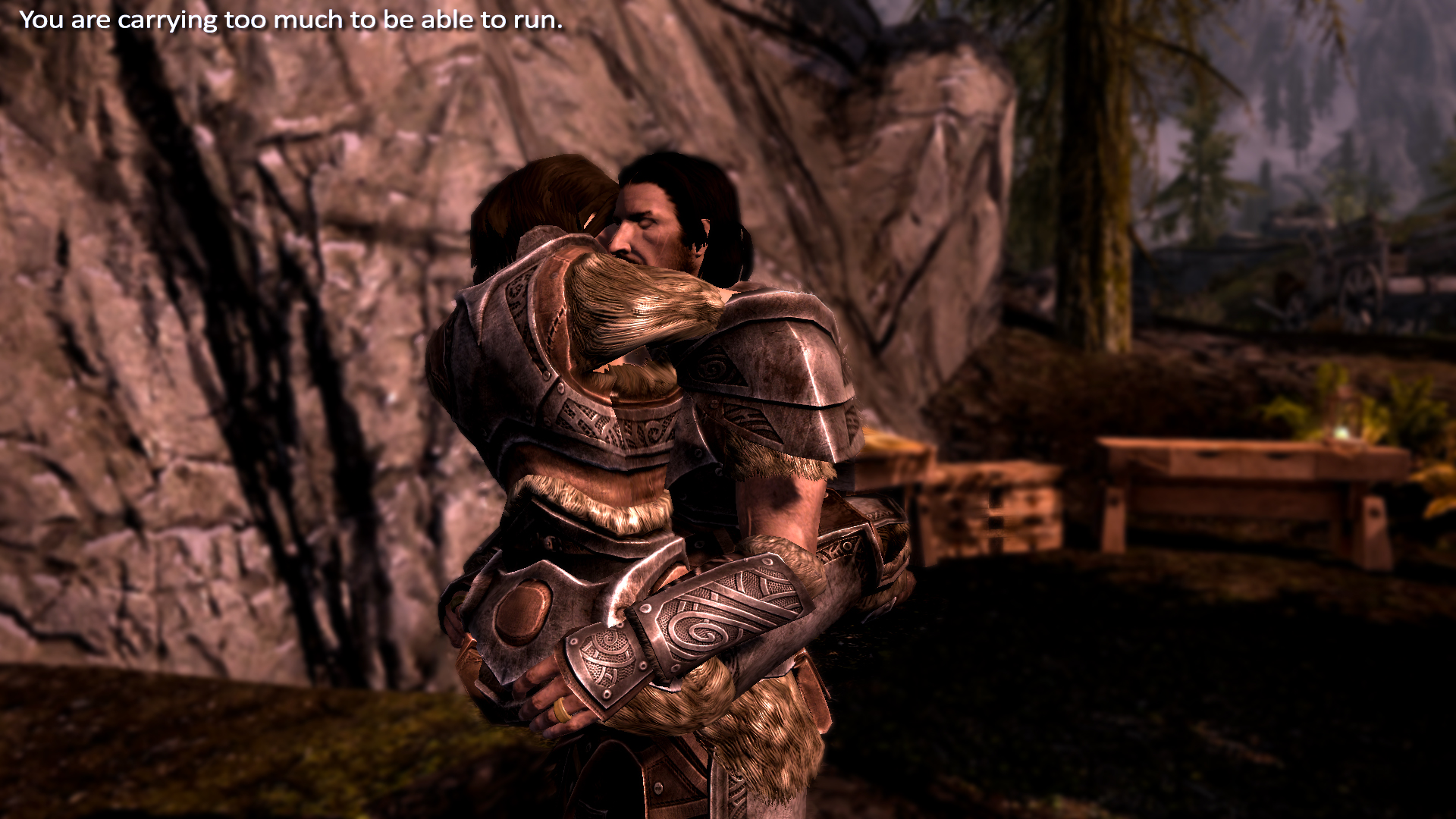
I am writing a blog of my newest Dragonborn, and I want to add some candid shots of my character. What I can't seem to find is a way to pose the character in a natural way. For example, when they sit, they sit straight and look unnatural. What I am looking for are maybe some console commands to modify poses. I know it can be done, another blog I am following does it with her character. She sits crosslegged. I would love to have a praying pose.

Here is an example:
Eyes on the Prey - Weakness

Any help would be awesome!
 
Yeah, I did. D: I can't get much to work on Nexus these days though anyway. It's really frustrating me. I'm actually spending today to pose people and stage screenshots for my fanfic chapters and a new sig, so it's extra annoying. :p

Oooh, screenshots for the fanfic chapters?
 
Yeah, I did. D: I can't get much to work on Nexus these days though anyway. It's really frustrating me. I'm actually spending today to pose people and stage screenshots for my fanfic chapters and a new sig, so it's extra annoying. :p
Did you install FNIS first, and then Pinup? Do you have any other animation mods that require FNIS, like Director Tools? I couldn't get Director Tools working, and I'm assuming it had to do with Pinup already being there.
 
I'm going to have to revive this one. I'm tryna have my female character sit all girly on a Jarl seat added by a mod. So far all I got are standalone animations I can trigger, but I can't get it to line up with the seat.

So I'll need either something that changes the animations tied with the seats, or a way to move my character around to make it look like she is on the seat.

Any pointers in the right direction gentlemen?
 
You'll need to use the getpos and setpos console commands.
getpos (x, y, z) gives you your target's x, y, or z coordinate.
setpos (x, y, z) # changes the target's x, y, or z coordinate.

Say you want to move your character. First you'll get her position by typing.
player.getpos x
player.getpos y
The console tells you that her x is 25 and her y is 30. Now you can adjust her position.
player.setpos x 27
player.setpos y 31
She'll move from (25, 30) to (27, 31).

It's tedious, but it comes in handy. I've used it quite a bit myself.
encumbered_by_janus3003-d7084e7.jpg
 
Back
Top